
Companion for LUMIX
Remote control, live view and wireless transfer for compatible Panasonic LUMIX cameras.
Monitor a shoot, use supported remote controls, browse camera media, and transfer files from an Android phone or tablet. The app connects locally over Bluetooth and camera Wi-Fi.
Google Play testing link coming soon. Free during beta.
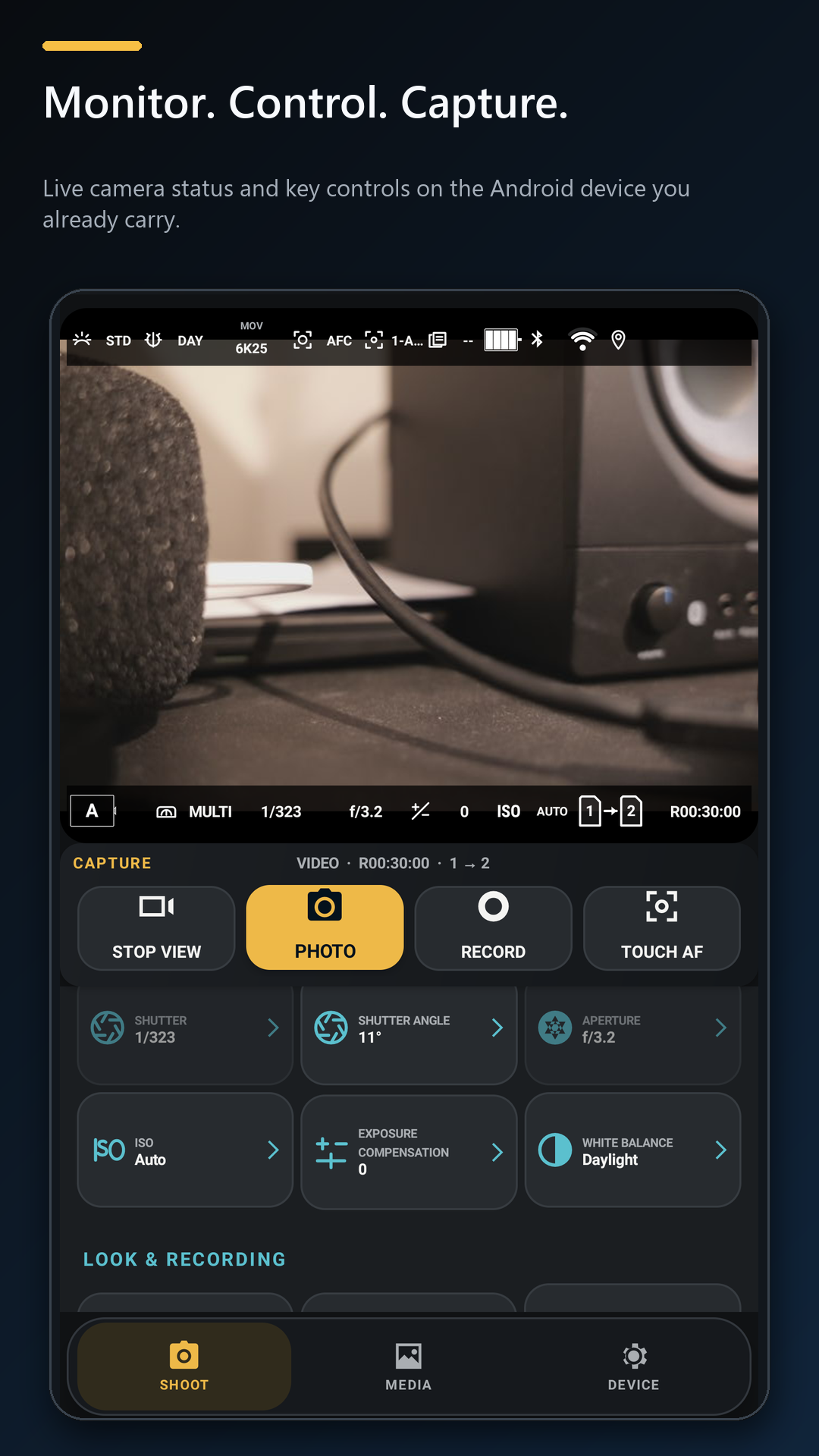
More than a basic remote.
Keep the live image, shooting controls and deeper camera settings close at hand.
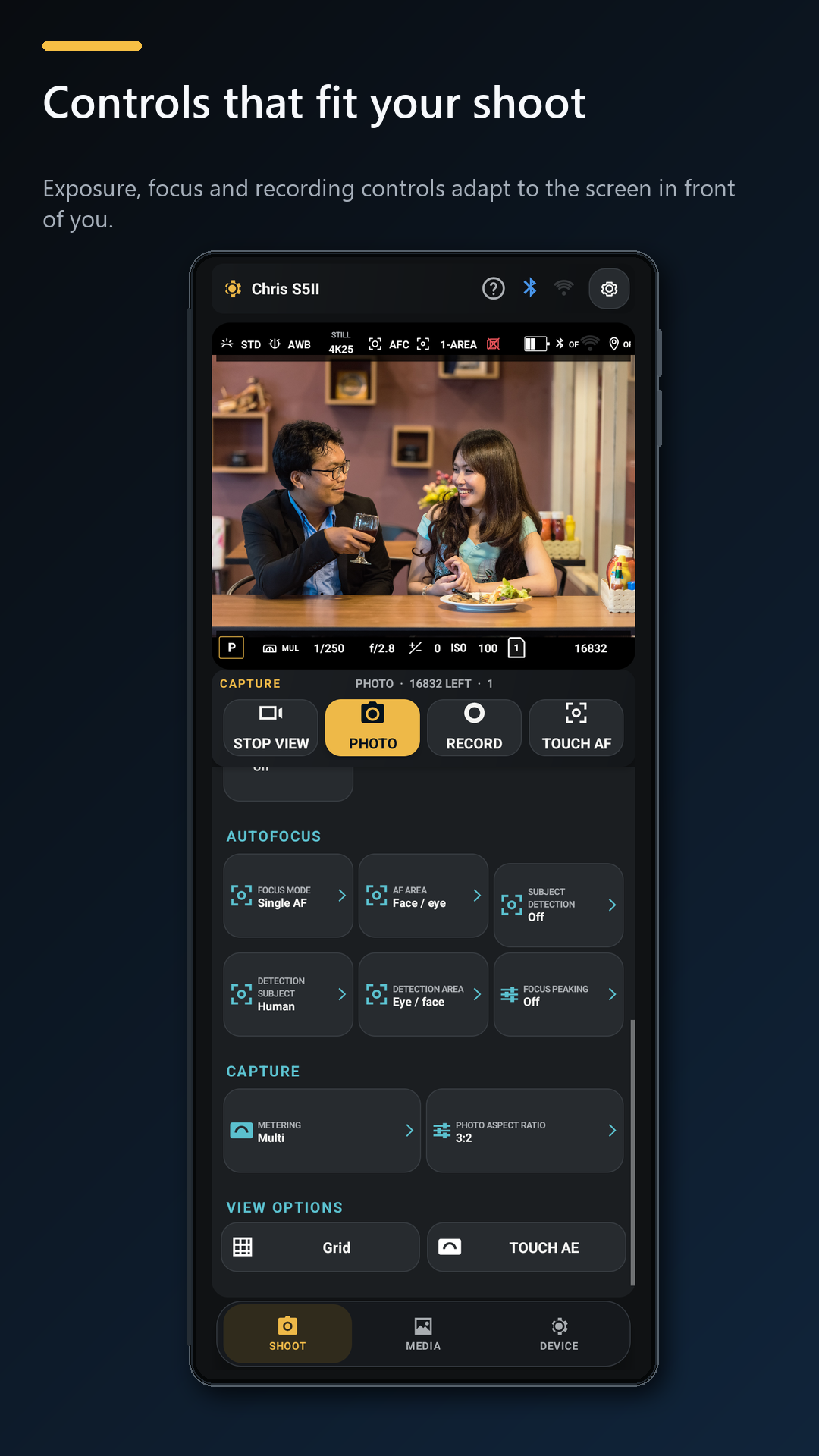
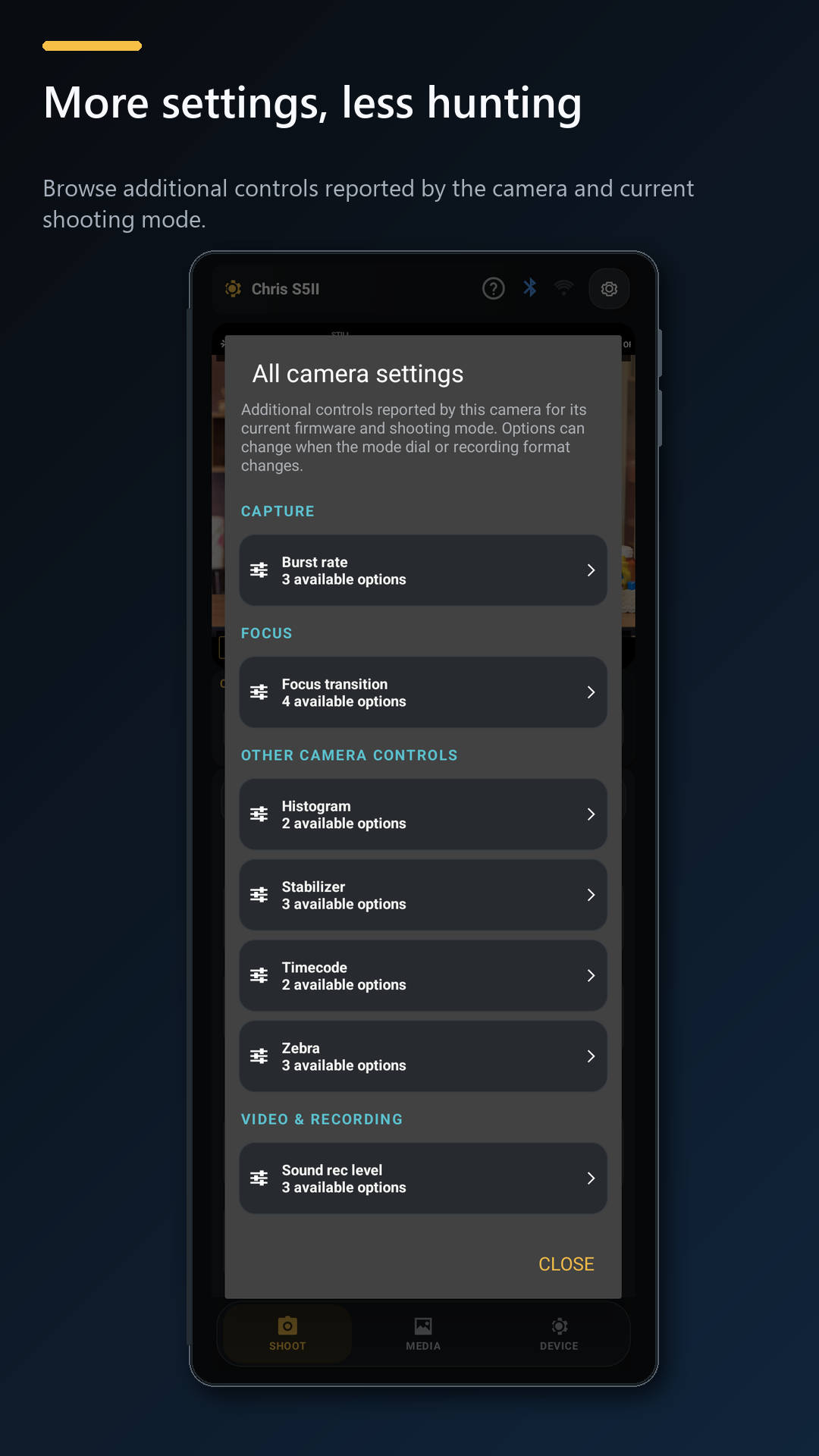
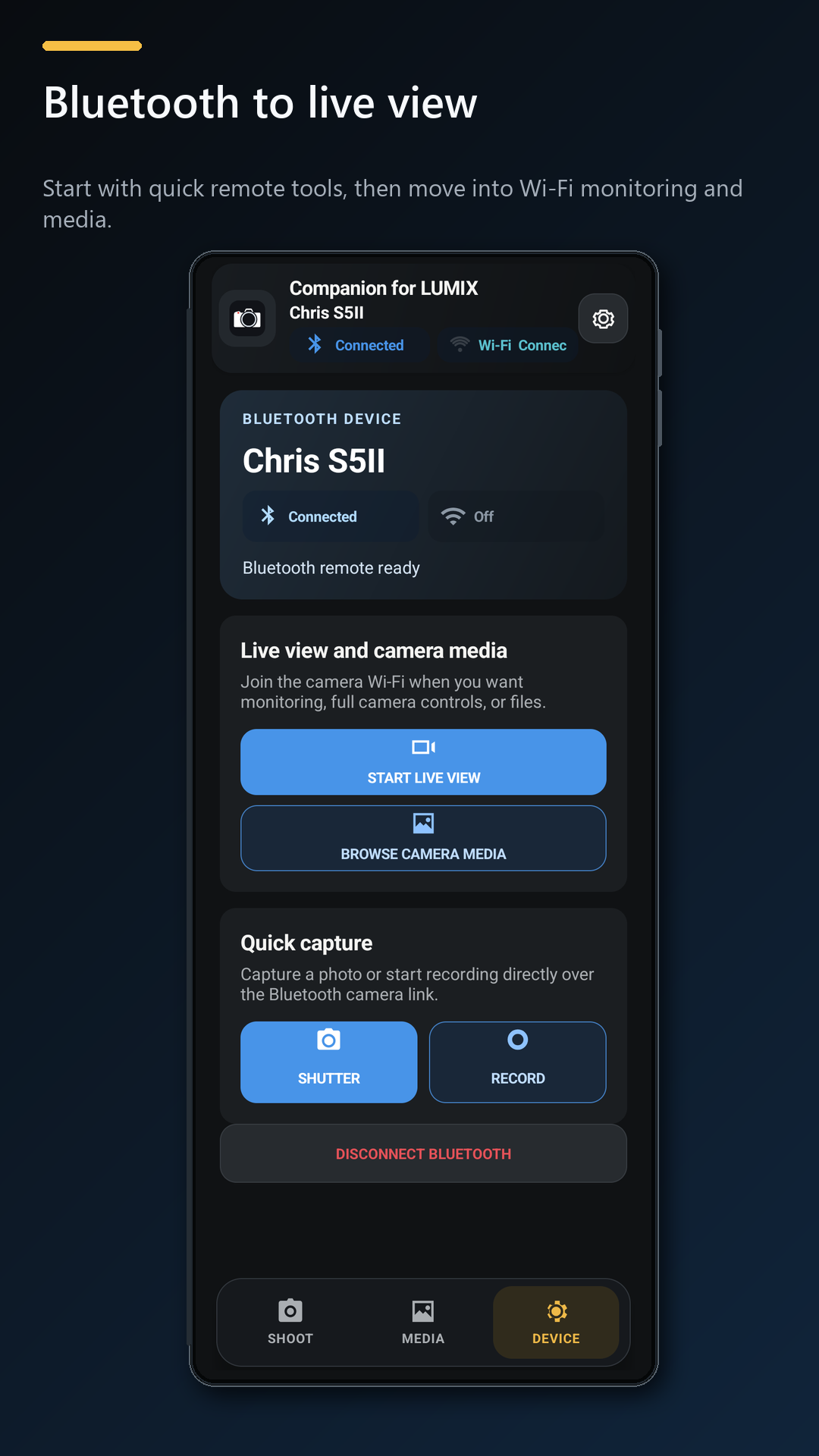
One camera validated. More to test.
DC-S5M2 / S5II
About 90% functional
The S5II is the only camera validated as working with this app. Testing currently uses body firmware 3.7. Companion is still beta software.
Known gaps and work in progress
- Mode detection can lag. The app may take time to reflect a mode change made on the camera.
- No automatic media transfer. Choose files to transfer manually.
- Some original MOV downloads fail. When the camera refuses an original, the app may offer a lower-quality monitor copy without audio.
- Extended locked-phone sessions need more testing. Background location delivery and reconnect behaviour have not completed long-duration hardware validation.
Other listed LUMIX models are untested. A model appearing in a roadmap does not mean its controls, playback, or transfers work.
Which camera should Companion test next?
Camera requests are free. Open Compatibility & support in the app, then tap Request beside a listed model. Use Model not listed only when your camera is absent.
Requests help prioritize compatibility testing for additional camera models.
Camera hardware for testing
You can also donate camera hardware. If you are located in Australia and have a LUMIX camera available, including damaged or non-working hardware, please contact [email protected].
Report a compatibility issue
If your model connects but a particular feature fails, use Report issue beside that camera in the app. Companion attaches a diagnostic log and device information for support after showing you what will be included.
Camera media, credentials and precise location are excluded from the support log.